



One interface for every exec you support
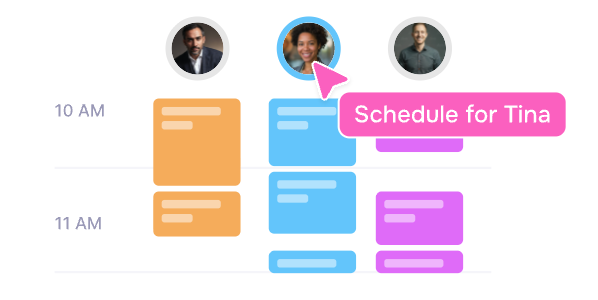
Google Calendar makes you toggle between accounts.
Vimcal EA lets you switch executives in one click with custom time zones and preferences for each, no exec involvement required
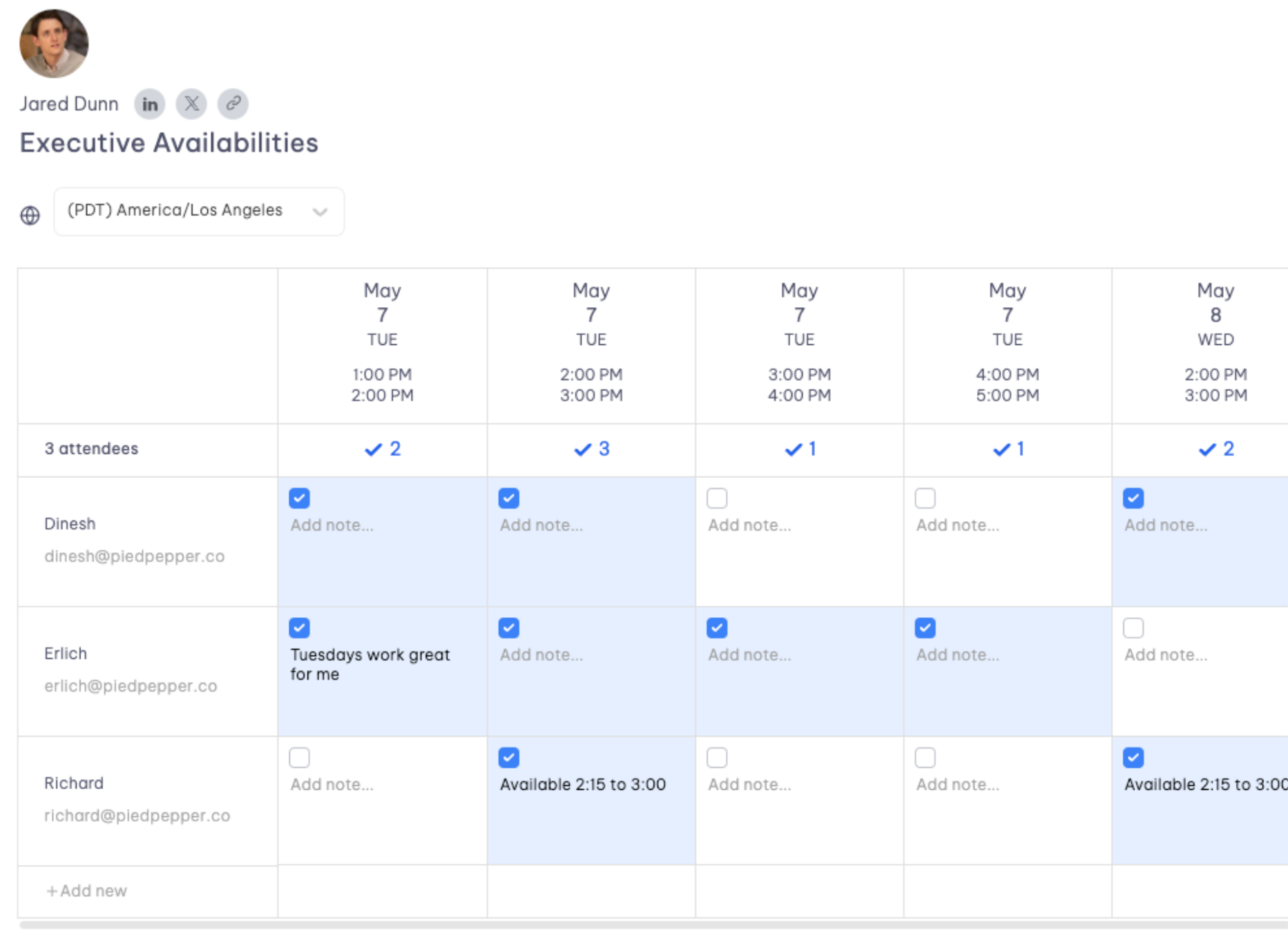
Schedule a meeting for 20 people without 20 email threads
Google Calendar has no built-in polling.
Vimcal EA gives you a live spreadsheet where EAs can propose times, vote, and add notes.
Done (with no more reply-all chaos) ✅
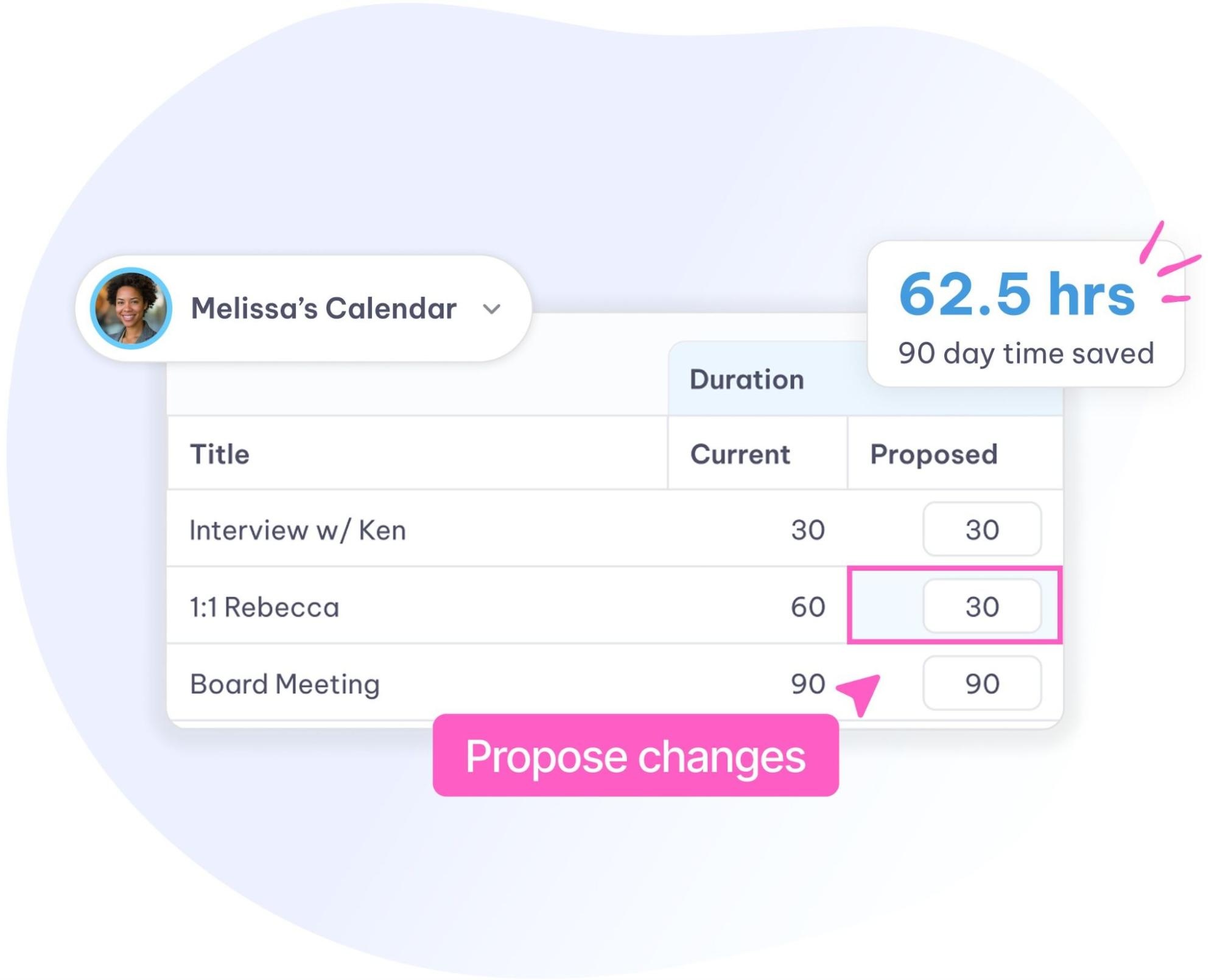
EAs from startups to Fortune 500 companies use Vimcal EA to get more out of their Google Calendar




Vimcal EA doesn’t replace your Google Calendar. It works on top of it.

Connect your Google Calendar
Vimcal EA layers right on top of your existing setup. Your execs stay in GCal. Everything syncs both ways.



Add your executives
Set up profiles for each exec you support with their own calendars, time zones, and preferences. No exec involvement needed.

That’s it. Start scheduling
Slots, time travel, calendar audits, group spreadsheets, and auto-deleting holds are all ready to go from day one. No learning curve, just less busywork.