Send your availability in anyone's time zone
Select open times on your calendar and paste them anywhere with up to 5 time zones already pre-filled.
Works with Google Calendar and Outlook


How it works
Finding a time and sending it takes one shortcut and one drag.
- Open Time Travel. Press Z, or press Cmd + K (Ctrl + K on Windows) and type "Time Travel." You can also click the time zone at the top left of your calendar.
- Type a city, country or time zone. Add the places you're scheduling with, up to 5 at once.
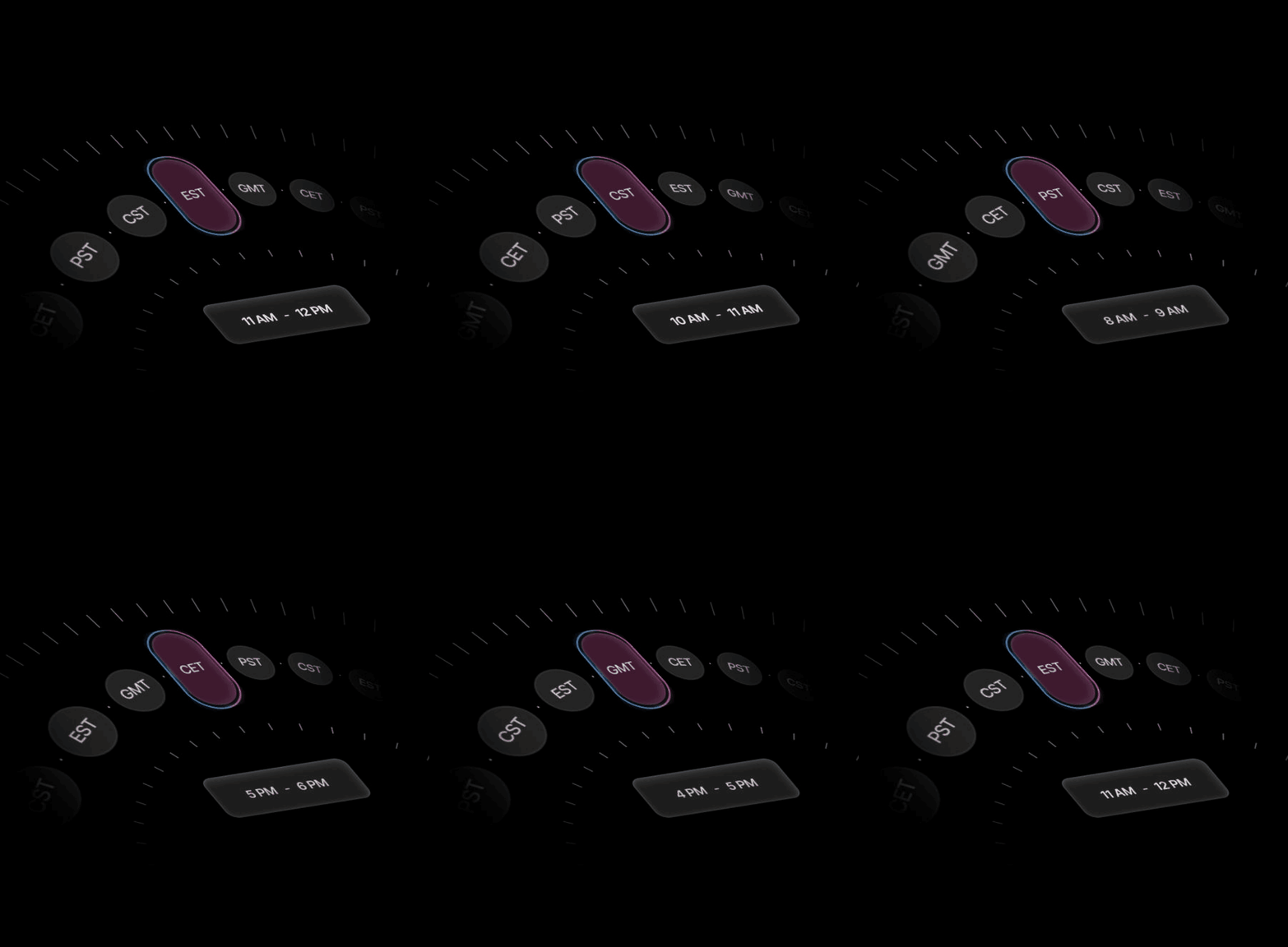
- See where working hours overlap. Each time zone appears side by side on your calendar, so a 9am in New York and a 2pm in London line up at a glance.
- Drag across your open times. Select the slots you want to offer. Vimcal writes them out as text, formatted for every time zone you picked.
- Paste them anywhere. Email, Slack or a text message. The other person reads the times in their own time zone, with no math on either side.
When you travel: after you land in a new time zone, Vimcal asks whether you want to switch your calendar to it.
Vimcal vs. Google Calendar and Outlook
Google Calendar and Outlook can both show extra time zones, and their mail apps can insert your open times into an email for some accounts. Vimcal writes your times out as plain text you can paste anywhere, converted for up to 5 time zones at once.
Google Calendar
Outlook
Vimcal
How to do it in Google Calendar or Outlook
Google Calendar
- Click the gear icon, then Settings.
- Under Time zone, check Display secondary time zone and pick one.
- For more places, go to World clock, check Show world clock and click Add time zone. The world clock shows the current time in each place, not your events.
- To send open times, write an email in Gmail, click the calendar icon in the toolbar and choose Propose times you're free. This is available for personal Gmail and some Workspace plans.
Outlook
- Classic Outlook: File → Options → Calendar. Under Time zones, check Show a second time zone and, if needed, Show a third time zone.
- New Outlook and Outlook on the web: Settings → Calendar → View, then Add time zone under Time zones.
- To send open times: in new Outlook or Outlook on the web, write an email and choose Send availability from the toolbar's … menu. This needs a work or school account. In classic Outlook, use Insert → Calendar to add a summary of your free time.
Neither option writes your open times out for several time zones at once.
When it helps
- Meetings with investors, clients or partners abroad. Offer three times to someone in London from New York without opening a converter.
- Investors and founders on cross-border deals. Offer a partner in Singapore and a lawyer in London times that work for both, in one message.
- Sales reps booking prospects in other regions. Send options that read correctly in the prospect's time zone the first time.
- Executive assistants scheduling for traveling execs. Vimcal EA adds time zones and preferences for each exec you support.
Frequently asked questions
How many time zones can Vimcal show at once?
Up to 5, side by side on your calendar. The times you copy are formatted for all of them.
Do I need to send a booking link?
No. You paste your open times as plain text, which reads more personally to an investor or client. If you prefer links, Vimcal also has booking links.
Does it work with Google Calendar and Outlook?
Yes. Vimcal runs on top of your existing Google and Outlook accounts, so there's nothing to migrate.
What happens when I travel?
After you arrive in a new time zone, Vimcal asks whether you want to switch your calendar to it.
How do I see other countries' holidays?
In Google Calendar, go to Settings → Add calendar → Browse calendars of interest, then pick the countries. In Outlook, click Add calendar → Holidays and pick the countries. Either way, they show up in Vimcal automatically.
How is this different from Gmail's "Propose times" or Outlook's "Send availability"?
Those insert bookable time slots into an email, and each works only for certain accounts: personal Gmail and some Workspace plans, or Outlook work and school accounts. Vimcal writes your open times out as plain text for up to 5 time zones at once, so you can paste them into any email app, Slack or a text message. It works with both Google Calendar and Outlook.
Does it work on iPhone?
Yes. The free Vimcal iOS app includes time zone conversion and drag-and-copy availability.
How much does Vimcal cost?
Vimcal starts at $35/month or $300/year after a free trial. You don't need a credit card to start the trial.

Hello, from the world's most beautiful calendar.
*No credit card required